Support

Answered by the people who wrote the app.

Email [email protected], or use the live chat inside the TreStack Timer admin. Both reach the people who build the app, in English, and nothing sits behind a chatbot first.

What we take on, and where the line is.

Support covers TreStack Timer and how it behaves on your theme. It is not general theme development, and saying so up front saves you a week of waiting on the wrong team.

Where to write
[email protected], or the live chat inside the app admin once the app is installed. Both reach the same people, the ones who build the app.
Install and placement
Turning on the app embed, and placing an app block on the template you actually meant when a timer needs a custom position.
Theme conflicts
A timer that renders wrong, sits in the wrong stacking order, or fights with something else on the page. Investigated on a duplicate of your live theme.
Bugs in the app
Anything our code does that it should not. Send the page URL and a screenshot, and we will tell you what it is and when the fix is live.
Billing and plans
Charges run through Shopify, so we can explain a line on your invoice, what a plan change will unpublish, how views are counted, and when a trial ends.
Feature requests
Read and answered honestly, including when the answer is no. If something is already planned we will say roughly where it sits, not promise a date.
Not theme development
We will point at the hook, the setting, or the CSS selector involved. Rebuilding a section, editing a template you have customised, or work on an app we did not write is your developer or agency.
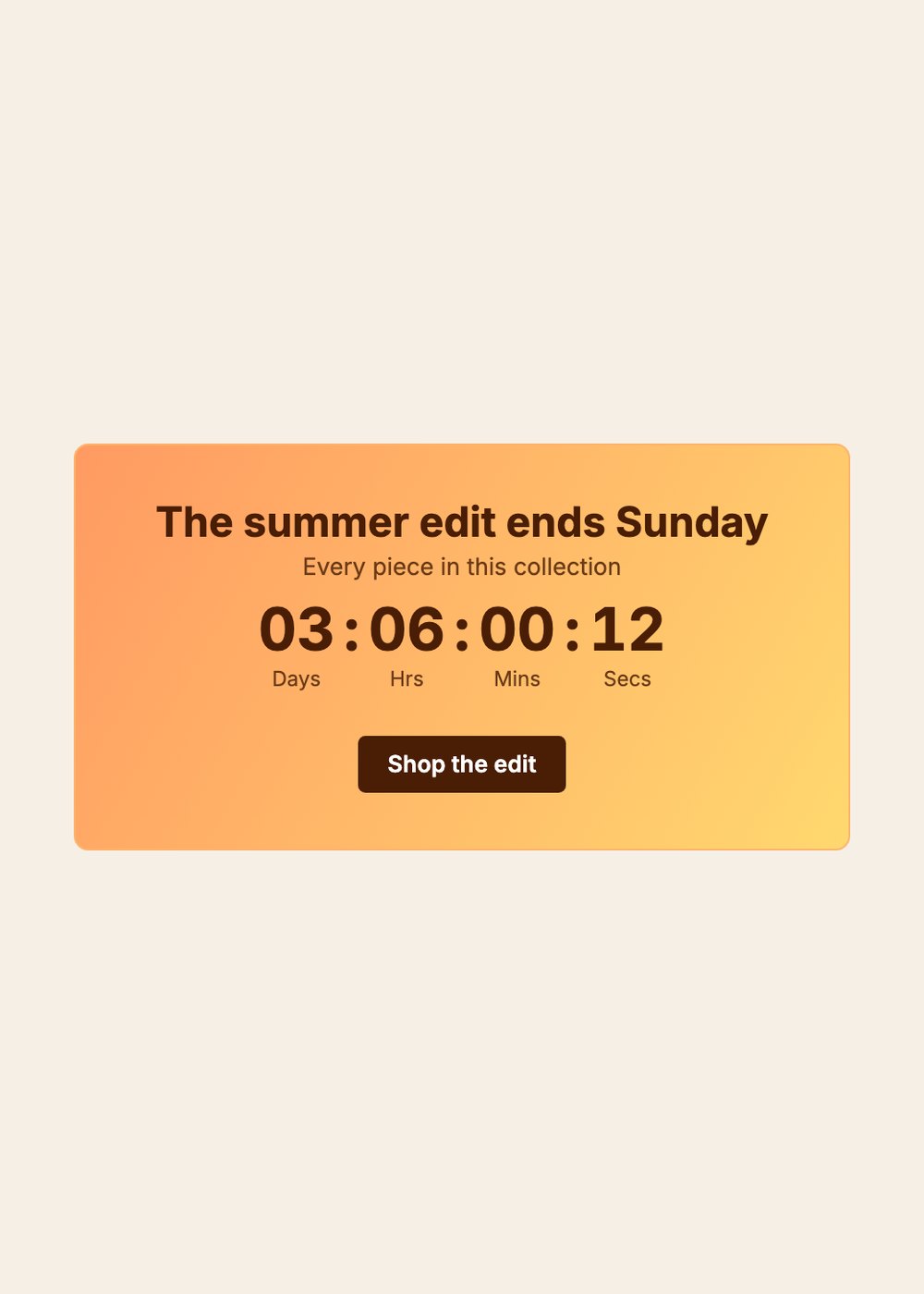
A collection page timer on an orange to yellow gradient reading The summer edit ends Sunday, with a Shop the edit button
One team, one app, and your theme in front of us.

Three things about how we work on your store.

Theme conflicts get investigated on a copy

When a timer collides with something else in your theme, the first step is to duplicate the live theme and work in the duplicate. Nothing we test touches what your customers see, and if a fix needs a theme setting changed we will tell you which one rather than change it and hope you notice. Once we can reproduce it in the copy, the fix is either a release on our side or one line of guidance on yours.

Known theme conflicts
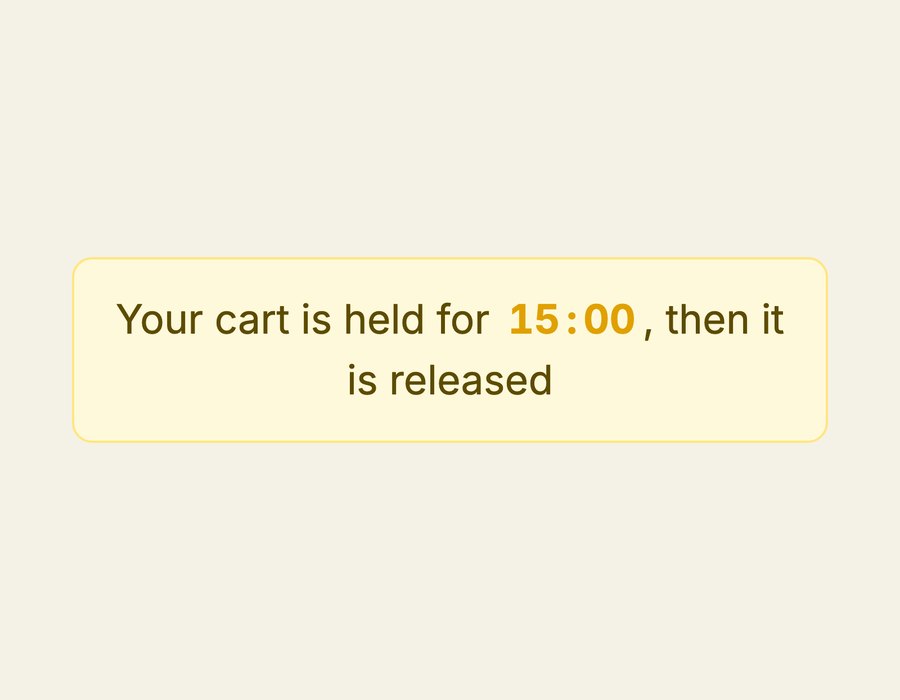
A pale yellow cart timer reading Your cart is held for, with the countdown inline, then it is released

Collaborator access, only when it is the fastest path

We do not ask for access by default. We ask when the alternative is four more messages guessing at a setting we could read in a minute. The request names what we intend to look at, we stay in the theme editor and the app admin, and you can revoke it the moment the thread closes. Declining is a normal answer and slows things down by a message or two, not by a week.

What access lets us see
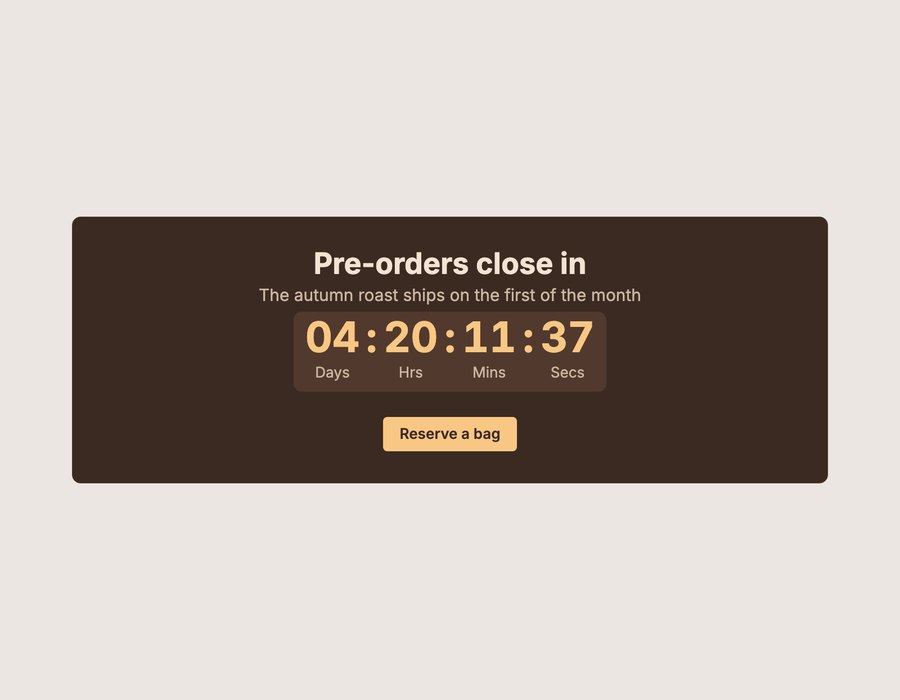
A dark brown collection page timer reading Pre-orders close in, with a Reserve a bag button

Support is in English

Answers come in English, from a person and not a translation layer. Screenshots of an admin in any language are fine. If writing in English is the thing slowing the thread down, send the store URL and the screenshot and we will work it out from there.

Other ways to reach us
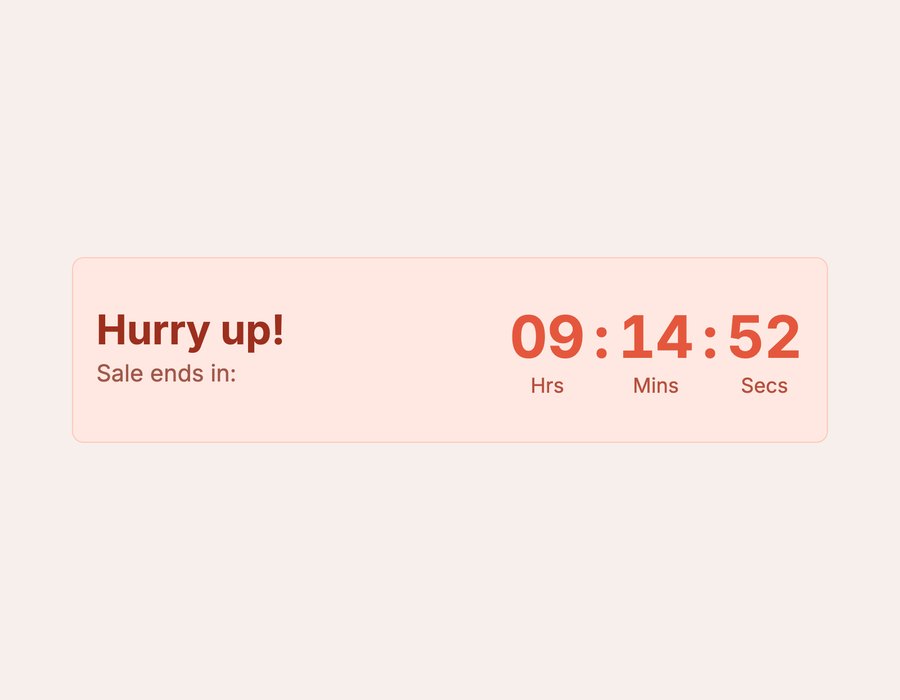
A coral product page timer with Hurry up and Sale ends in on the left and the countdown on the right

What happens after you send it.

No auto responder with a ticket number, and no status page to check. The thread you started is the thread you keep.

  1. Step one

    We reproduce it

    On a copy of your theme, with your timer settings. If we cannot reproduce it, we say so and ask for the one detail we are missing instead of closing the thread.

  2. Step two

    We tell you what it is

    Our bug, your theme setting, another app, or Shopify. Whichever it turns out to be, you get the actual cause and not a workaround with no explanation attached.

  3. Step three

    The fix gets a dated entry

    If code changed, it appears in the changelog with the date, and we come back to the thread to say it is live.

Before you write in

What should I put in the first message?

Store URL, theme name, which timer, and what you expected to happen instead of what happened. For anything visual, a link to the page and a screenshot. That is usually enough to skip a whole round trip.

How quickly will I hear back?

We do not quote a response time. The person answering is also the person shipping the fix, and a promised hour figure would only make the first reply faster and the fix slower.

What if the problem turns out to be another app?

We will tell you which app and what the collision is, in enough detail to forward. Where the other developer is reachable we are happy to be copied in on that thread.

Do you need collaborator access?

Only when it is the fastest path, and the request will say what we plan to look at. Read only is enough for most investigations. Revoke it as soon as the thread closes.

Can you work on my live theme directly?

We work in a duplicate. If a change has to be published we describe it, you publish it, and the live theme changes when you decide it does.

What happens if I uninstall while a thread is open?

The email thread stays open and we will still answer. The app embed and any app blocks go with the app, so there is nothing to clean up in your theme files first.

Is there live chat?

Yes, inside the TreStack Timer admin once the app is installed. It is never on your storefront, and it reaches the same people as [email protected].

Where can I find answers without writing in?

The Timer FAQ covers plans, views, targeting, and what happens when a timer ends. The docs cover setup and troubleshooting.