What uninstall actually removes
Uninstalling revokes the access token, ends the recurring charge at the end of the current billing period, and stops the webhooks the app was listening to. If the app rendered through a theme app extension, its blocks stop rendering the moment it is gone, and the markup goes with them because it was never in your theme files. Script tags the app created through the API are removed by Shopify at the same time.
What survives is whatever was written outside that boundary: Liquid pasted into your theme, files uploaded under Content and Files, metafield values in a namespace the app shared with you or with another app, and any workflow or automation that referred to the app by name.
Where residue actually hides
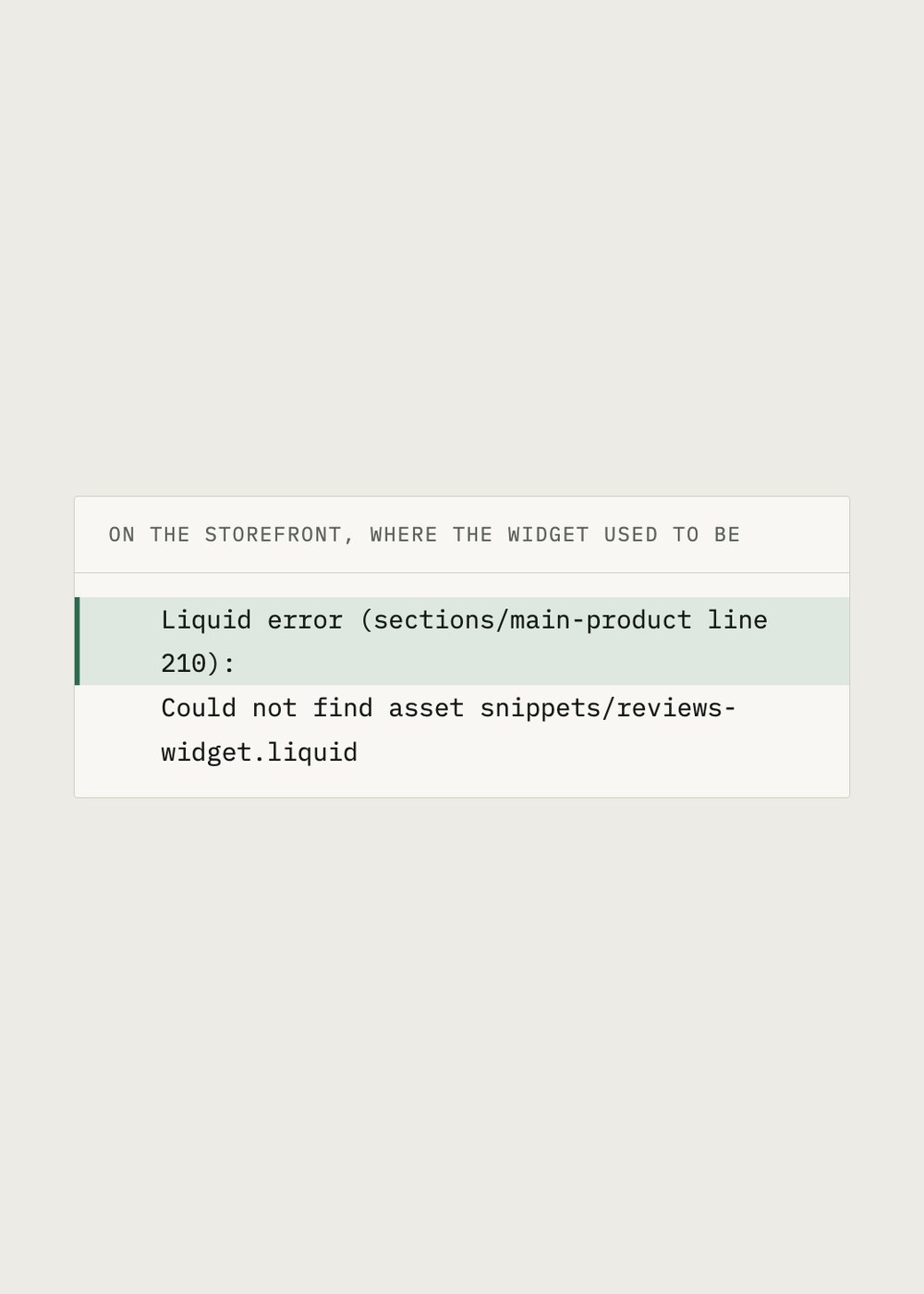
Theme code first. Edit code, search the vendor name, and look for render or include tags and for script tags pointing at an external domain. A reference to a snippet that no longer exists shows up on the storefront as a line of text beginning with Liquid error, which is ugly but at least it announces itself.
Templates second. An app that created its own page template or its own section leaves those files in the theme, and they stay assigned to whatever page was using them. The page still loads. It simply loads without the feature, which is harder to notice than an error.
Metafields and metaobjects third. Definitions the app owned go when the app goes. Values written into a namespace you also use can remain, which is usually harmless and occasionally confusing when a new app reads them and draws a conclusion.
Then the small things, which are the ones that reach customers: a navigation link pointing at a URL the app used to serve, a customer facing page it created, a discount or an automation that only made sense while the app existed.
What is safe to delete yourself
Safe: a navigation link to a dead URL, a page you can see is empty, a file you uploaded yourself for that app. Also safe, with a duplicate of the theme sitting in the library first, removing a render tag that points at a snippet which no longer exists, because the error you are deleting is the error the missing file already causes.
Not safe without asking: anything inside a section your theme shipped with, anything in theme.liquid you did not add, and any metafield another app might be reading. Duplicate the theme before either kind of edit. It costs nothing and it turns a bad afternoon into one click.
When to ask instead
Ask the vendor two questions, ideally before you uninstall while you still have an account with them. Did you write anything into my theme, and how do I export the data I want to keep? A vendor who answers both clearly is telling you something useful about how the app was built. A vendor who cannot answer is telling you something too.
TreStack makes a countdown timer, so we will not tell you which timer app uninstalls most cleanly. We will tell you that the test is identical for every app, including ours: install it, publish it, remove it, then search your theme code for the vendor name and see what answers.